The exhibitor portal: sign in and find your way around
Sign in to the exhibitor portal with the link your organizer emails you, pick your event, and see what is still to do on the dashboard.
The exhibitor portal is where your company manages its part of a show: your company profile, booth, contract, team, lead retrieval seats, documents and leads. Your organizer sets up your company and invites you; everything here is about your own booth.
Sign in
Exhibitors have no password. You sign in with a link sent to the email address your organizer invited.
- Open the link in your invitation email. It opens the portal's sign-in page with your organizer's workspace already filled in ("Signing in to ...").
- Enter the email address your organizer invited and click Send login link.
- Open the email and click the link. It signs you in on that device and brings you back to the portal.
If you open the sign-in page some other way, it also asks for the Organizer workspace: copy it from your invitation email.
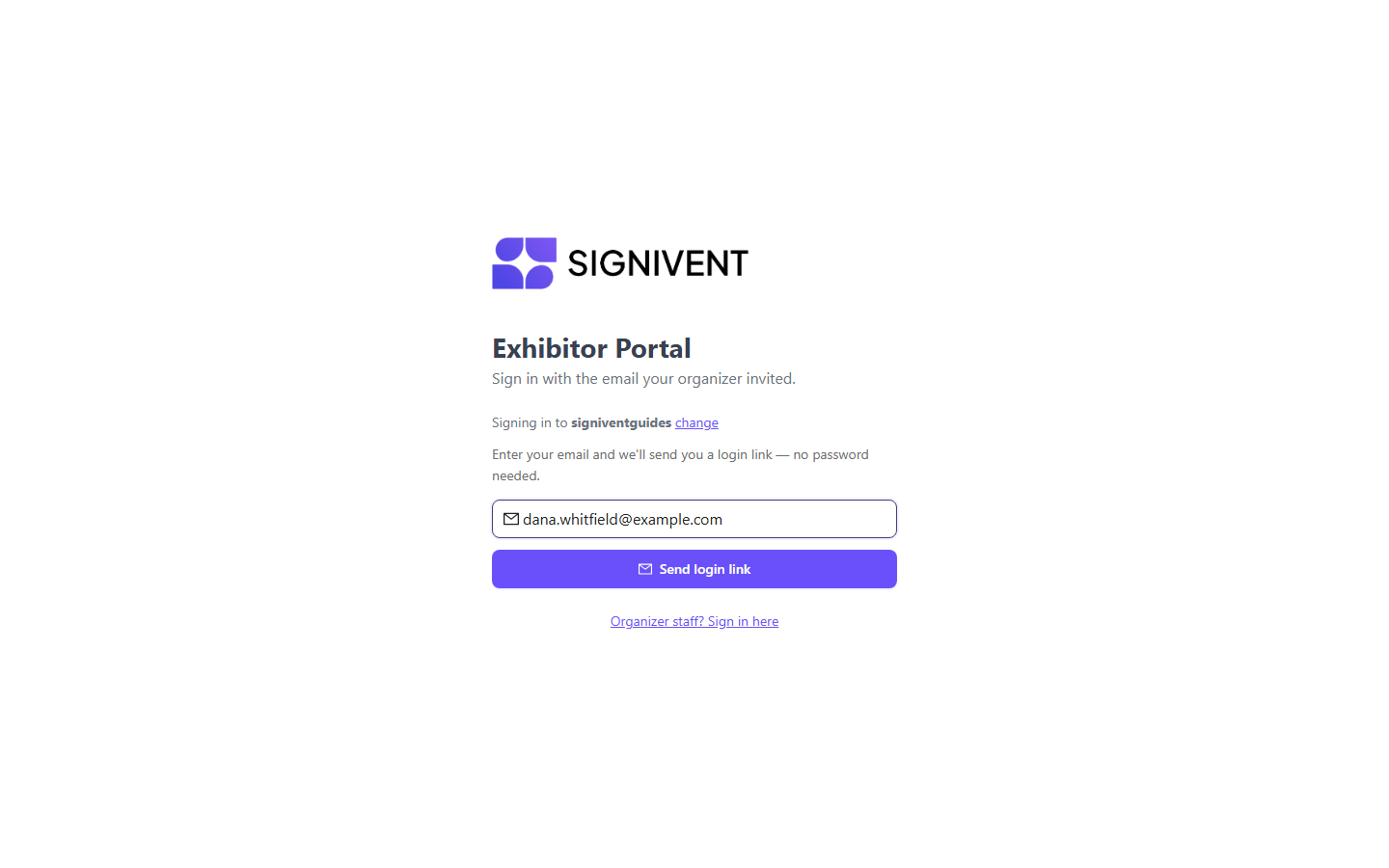
If the email does not arrive, check that you used the address the invitation went to; a colleague's address or a personal one will not work. Organizer staff sign in on the organizer site instead (Organizer staff? Sign in here).
Pick your event
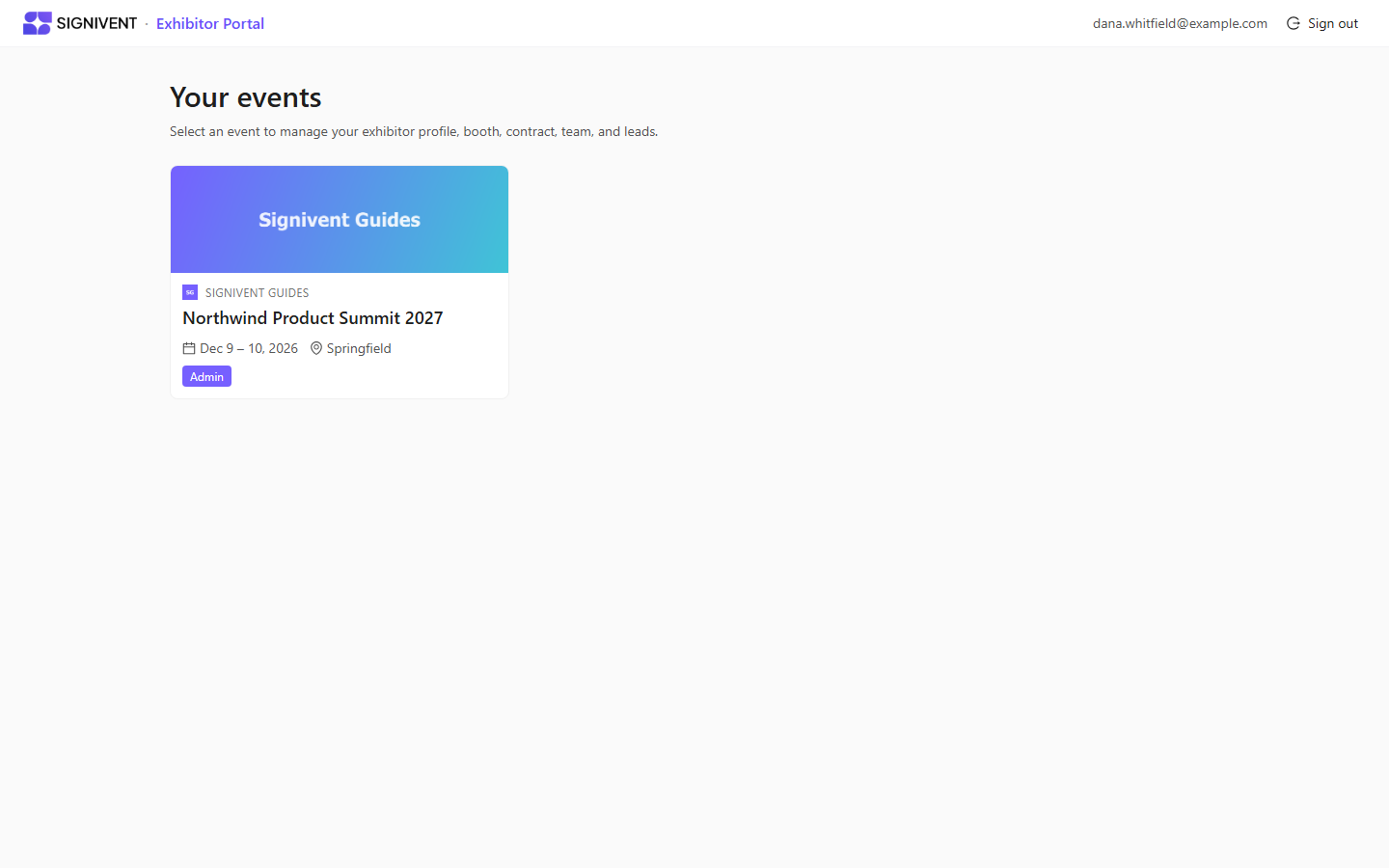
Your events lists every show you exhibit at, with its dates, venue and your role on that booth's team (Admin, Scanner or Viewer). Click an event to open it.
The dashboard
The event's dashboard shows your company name and status, and the headline facts for your booth:
- Next steps: your open tasks (and how many are required, with the next due date), your contract status and how many lead retrieval seats are in use. Click a line to go straight to it.
- Booth: your booth number, or a note that the organizer has not assigned one yet.
- Approval: whether the organizer has approved your company for the show.
- Your role and the Organizer running the event.
- Announcements from the organizer appear here as they are sent.
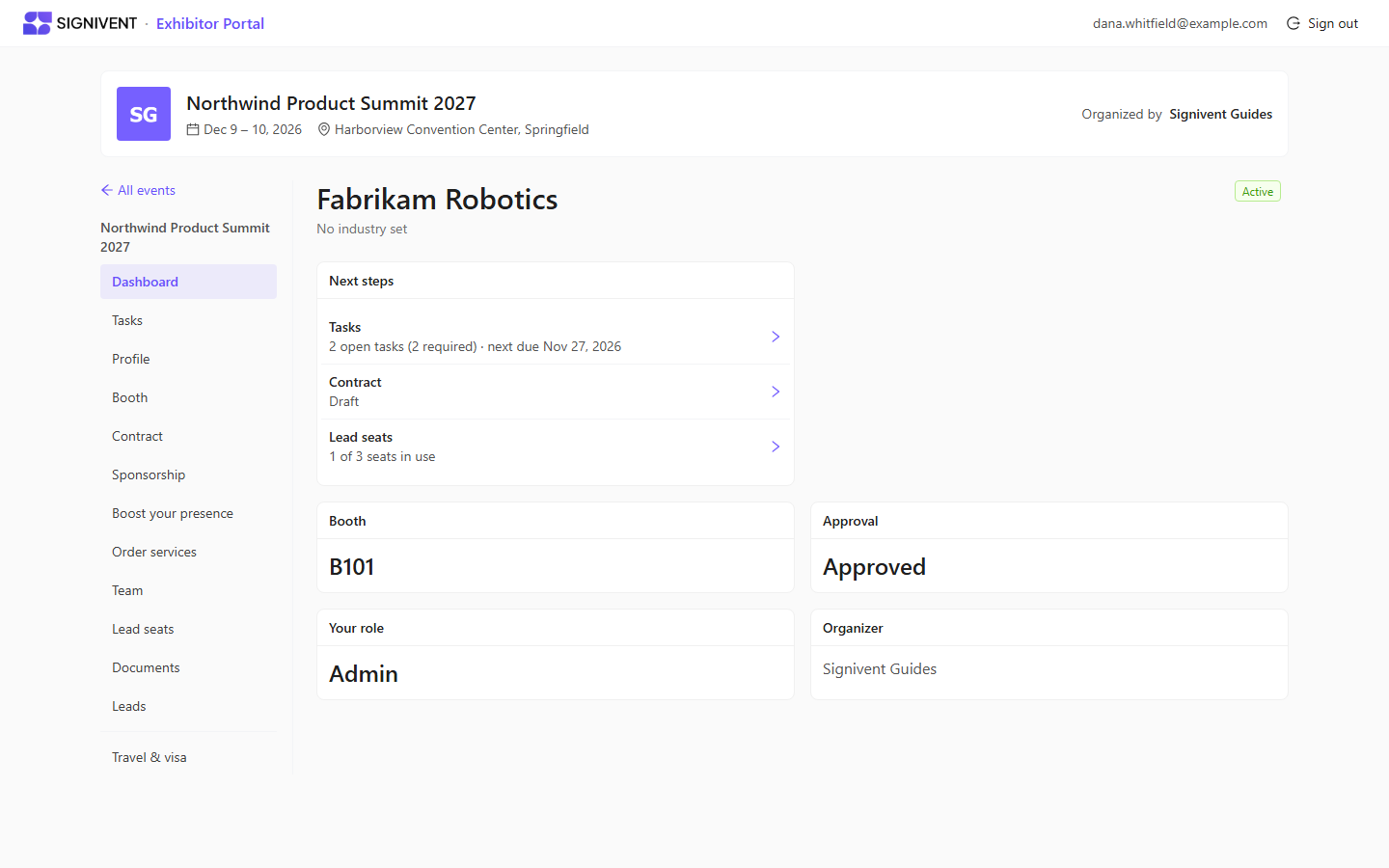
The menu on the left opens each part of the portal:
| Menu item | What it is for | Guide |
|---|---|---|
| Tasks | Things the organizer needs from you before the show | Tasks and documents |
| Profile, Booth, Contract | Your company listing, your booth and what you owe, and your contract | Profile, booth and contract |
| Sponsorship, Boost your presence, Order services | Your sponsorship package, paid add-ons and booth services | Sponsorship, add-ons and booth services |
| Team, Lead seats | Who on your team can use the portal and scan badges | Team and lead seats |
| Documents | Files you send the organizer | Tasks and documents |
| Leads | The people your team scanned, and the CSV download | Your leads |
Travel & visa, below the menu, opens the event's attendee dashboard for your own travel details. All events takes you back to the list of shows.
On a phone
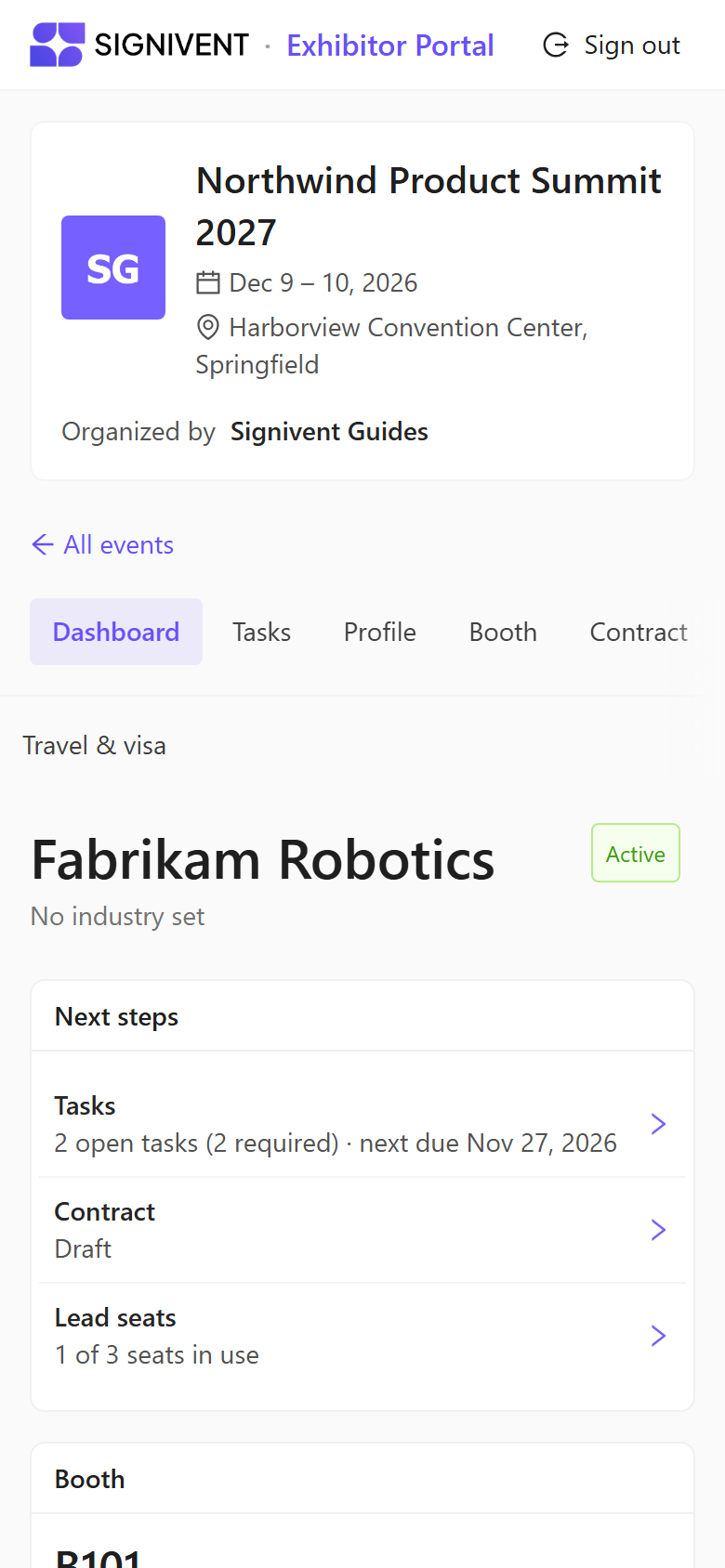
The portal works in a phone's browser. The menu turns into a strip of buttons under the event name that you swipe sideways.
Who can do what
What you can do depends on your role on the booth's team:
- Admin: full access, including the company profile, documents, buying add-ons and seats, and managing the team. The admin signs the contract.
- Scanner: captures leads with the Connect app.
- Viewer: read-only.
Your booth's admin changes roles on the Team page (see Team and lead seats).