Your company profile, booth and contract
Keep your company listing up to date, check your booth assignment and what you still owe, and follow your exhibitor contract from draft to signed.
Three pages in the exhibitor portal describe your company and your stand: Profile (how your company is listed), Booth (where you are and what you owe) and Contract (your exhibitor agreement). Only your booth's Admin can change them; see the portal overview for roles.
Company profile
Profile is your company's listing for this event. Attendees see it in the exhibitor directory and on the floor plan.
- Under Company logo, click Upload logo (PNG, JPEG or WebP, up to 2 MB).
- Fill in the Company name (required), Industry, Website, Company size and a Description.
- Under Contact, give the name, email, phone and LinkedIn page people should use.
- Add your Address and your Social handles if you want them shown.
- Under Leads, Share leads with the organizer decides whether the show organizer can see the leads your team captures at this event.
- Click Save changes. "Profile saved" confirms it.
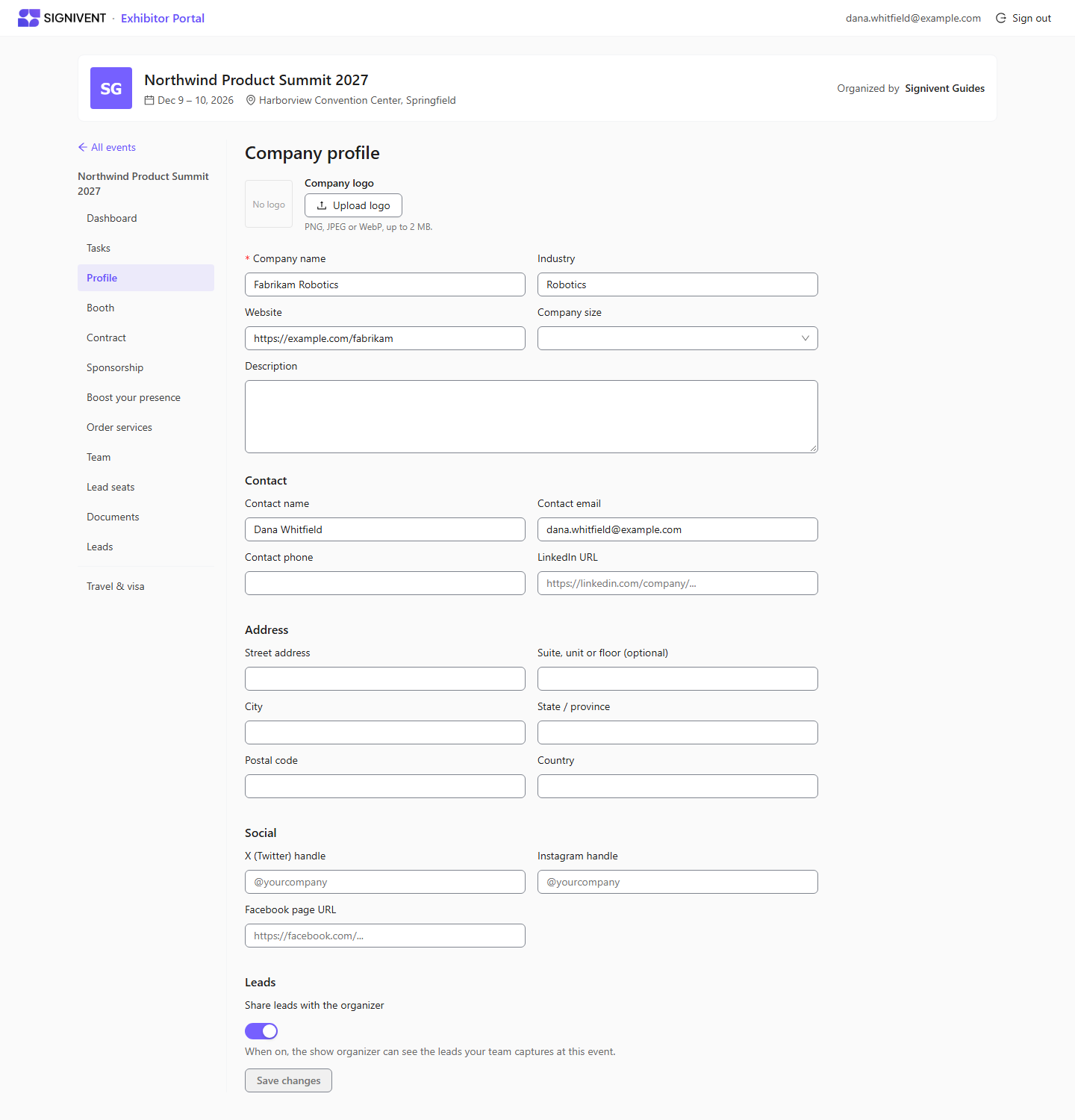
The industry you choose also shows under your company name on the portal's dashboard.
Your booth
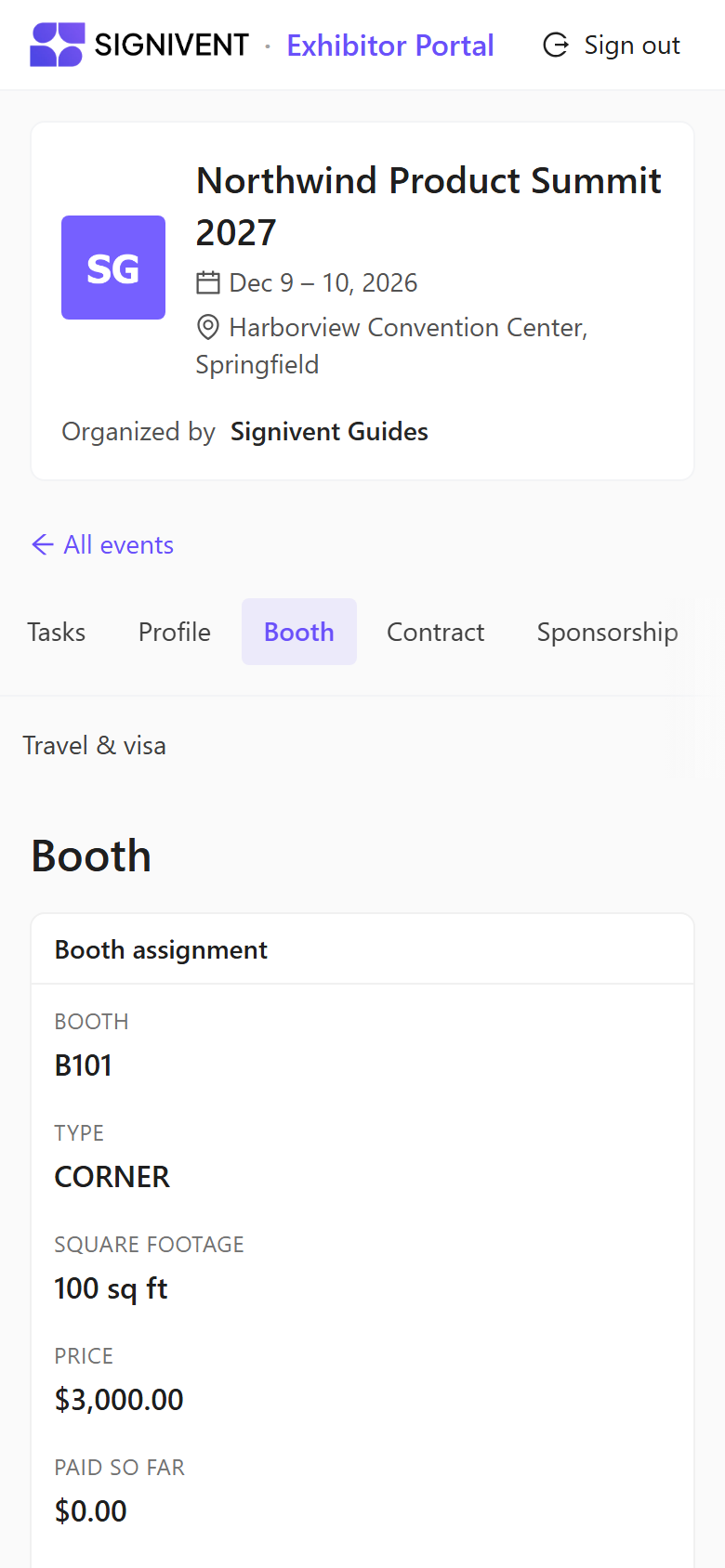
Booth shows the booth the organizer assigned you: its number, type, size and price, what you have paid so far and the balance due. Below that are the payment and contract status and your lead retrieval licenses (see Team and lead seats).
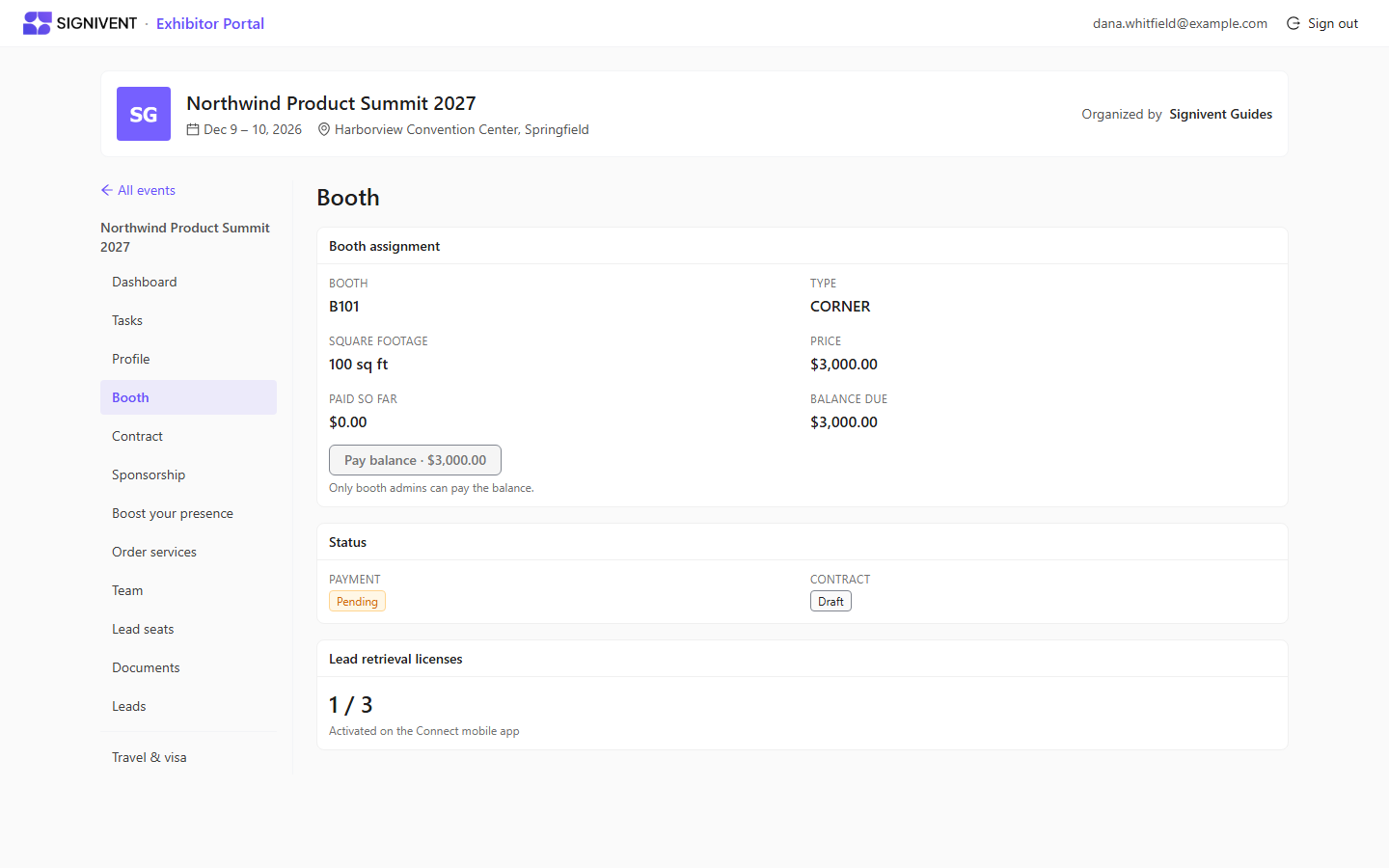
When the organizer takes booth payments online, an admin clicks Pay balance to pay what is due by card. Until then the button is greyed out and you pay the organizer the way they ask.
Note: When an event does not take online booth payments, the greyed-out Pay balance button currently says "Only booth admins can pay the balance." even to an admin. Ask the organizer how to pay.
If you have no booth yet, the page says so: the organizer assigns booths, and the page fills in as soon as they do.
Your contract
Contract follows your exhibitor agreement:
| Status | What it means |
|---|---|
| Draft | The organizer has not sent it yet. There is nothing for you to do. |
| Sent | It is waiting for your signature. You also get an email. |
| Signed / Active | Done. Open it with View contract. |
| Expired / Cancelled | No longer in force; ask the organizer if you have questions. |
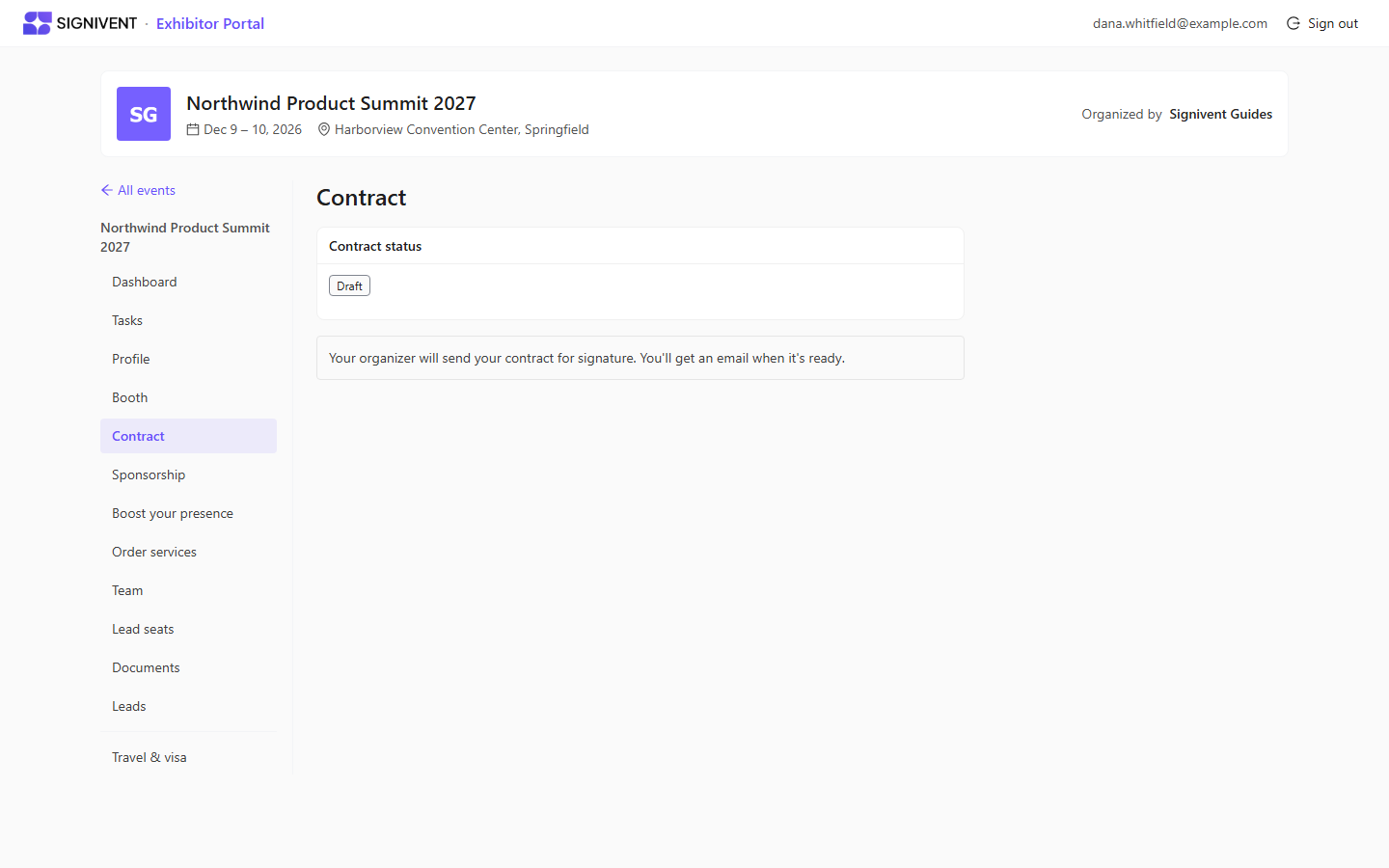
When the contract has been sent, your team admin signs it from this page: Request contract signature opens a signing session, then Open the signing page to read and sign. Team members who are not admins see who the admins are.