Billing and plans
Where your subscription plan, team seats, add-ons, payment method and invoices live, what the Billing tab shows while platform billing is not switched on for your organization, and how plan limits show up elsewhere.
Organization Settings > Billing is where your organization pays Signivent: your subscription plan, team seats, add-ons, the card on file and your invoices. It is separate from the money your events take in, which is covered in Payouts and payment processors.
Check whether billing is on for your organization
Platform billing is switched on per organization. Until it is on for yours, the tab shows Platform billing isn't enabled for this organization yet, with a link to Payouts.
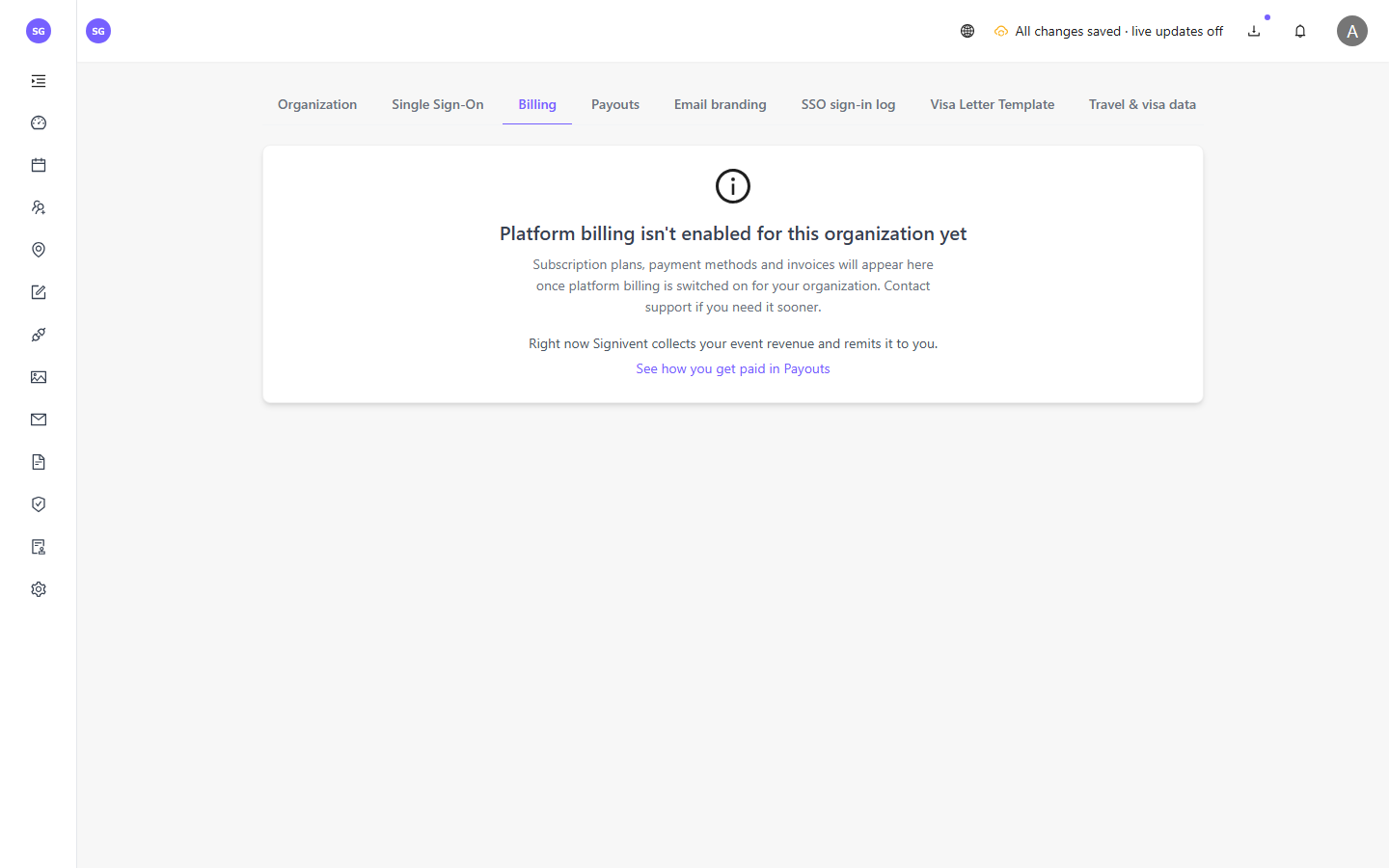
While billing is off:
- There is nothing to set up on this tab.
- Contact support if you need plan, add-on or invoice changes, or want self-serve billing sooner.
What the tab holds once billing is on
When platform billing is switched on, the tab shows these sections (described from the product; the sample organization used for this guide has billing off):
| Section | What it shows | What you can do |
|---|---|---|
| Team seats | How many team members your plan includes and how many you use | Invite more people on Team; extra seats are billed once an invitation is accepted |
| Current Plan | Your plan name | Upgrade Plan or Change Plan |
| Active Add-Ons | Add-ons on your account and where each came from: Purchased, Granted by our team or Included in contract | Manage |
| Available Add-Ons | Add-ons you can buy | Add |
| Payment Method | The card on file, or "No payment method on file" | Add Payment Method, or Manage in Stripe |
| Invoice History | Your past invoices | Review them |
A banner at the top warns you if a payment failed or the account is past due, and usage alerts appear when you near a plan limit.
If your organization has an enterprise contract, a Contract & invoices section also shows its terms, payment schedule and invoices. See Your contract and invoices.
Where plan limits show up elsewhere
- Inviting team members. If the invitations would take you past your plan's included seats, Team asks you to confirm the extra monthly cost first. See Team, members, roles and permissions.
- Locked features. A feature your plan does not include shows a lock and a short note that links to Settings > Billing. The Visa Letters add-on is one example; see the Visa Letter Management Guide.
Troubleshooting
| You see | Why | Fix |
|---|---|---|
| "Platform billing isn't enabled for this organization yet" | Self-serve billing is not switched on for your organization | Nothing to do; contact support if you want it on |
| A lock on a feature | Your plan does not include it | Contact support, or add it on Billing once billing is on |
| A past-due banner | A payment failed | Update the payment method on Billing |
| Invites ask you to confirm an added cost | You are going past the seats your plan includes | Confirm, or remove members you no longer need |