Onsite equipment and room status
Watch every room and onsite device from Room Status: which presenter kiosks, digital signs and check-in stations are online, which rooms have their files, and who has asked for help.
Room Status is the floor runner's screen: one page that shows every room and every onsite device, so you can see what needs attention without walking the venue. Switch the event to Onsite and open Monitoring > Room Status.
The Ops Console
At the top, three counts show how many Presenter Kiosks, Digital Signs and Check-in Stations are online out of those set up. Below them, the Ops Console tab sums up the rooms:
| Count | Means |
|---|---|
| All Rooms | The event's rooms |
| File Sync | Rooms whose kiosk holds every presentation file it needs |
| Presenting | Rooms where a session is being presented now |
| Connected | Rooms whose kiosk is online |
| Help Needed | Rooms where someone has asked for help from the kiosk |
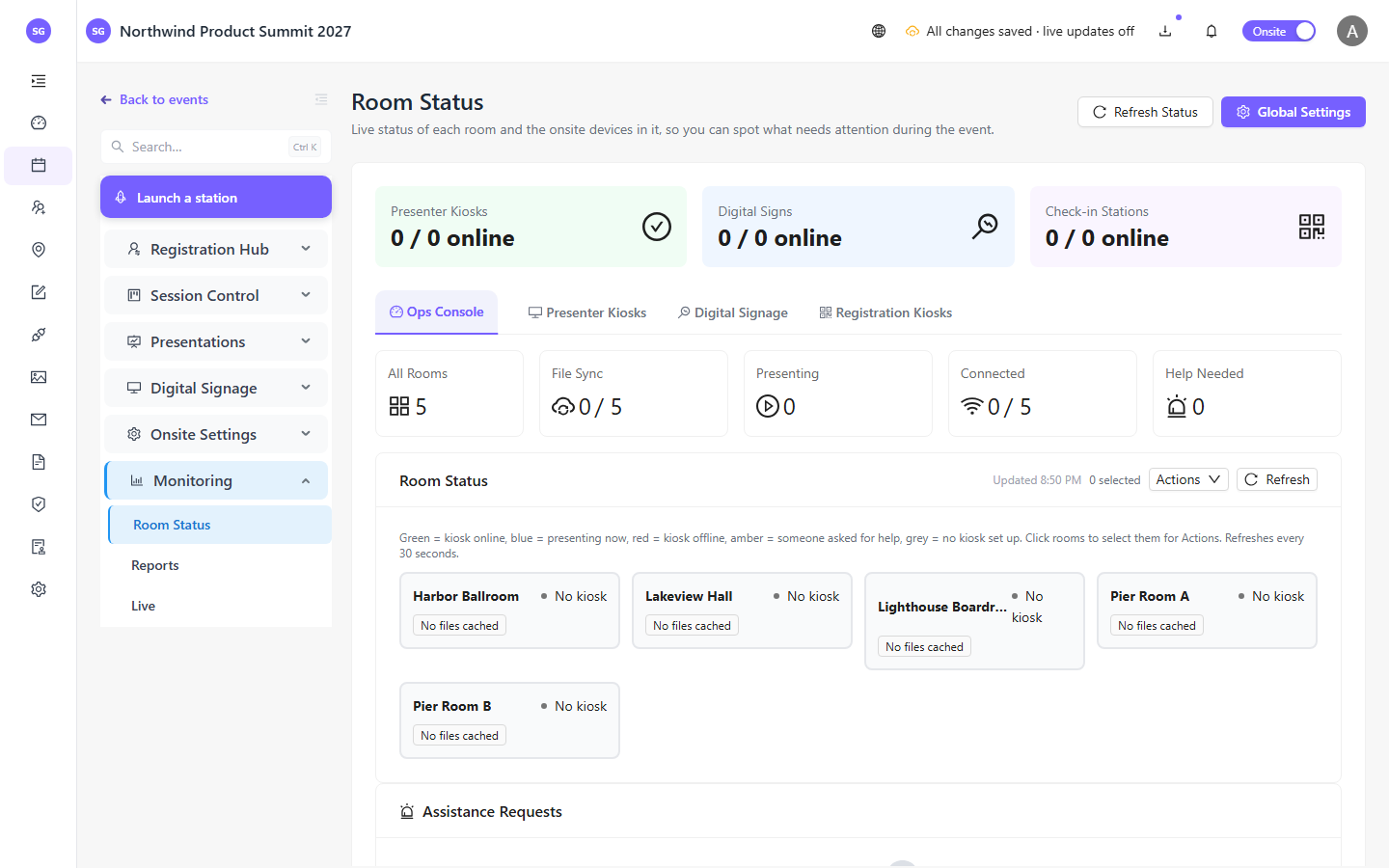
Each room has a tile, colored by state: green when its kiosk is online, blue while presenting, red when the kiosk is offline, amber when someone has asked for help, and grey when no kiosk is set up yet ("No kiosk"). The tile also says whether the room's files are cached. Click tiles to select rooms, then use Actions to act on all of them at once. The board refreshes every 30 seconds; Refresh updates it now.
Below the board, Assistance Requests lists open help requests from the rooms.
The device tabs
- Presenter Kiosks lists each room's kiosk with its status, current session, presenter, the files it has cached and when it last synced.
- Digital Signage lists the signs and whether they are online; manage them in Digital signage.
- Registration Kiosks lists each check-in station with how many people it has checked in and how many check-ins are still waiting to sync.
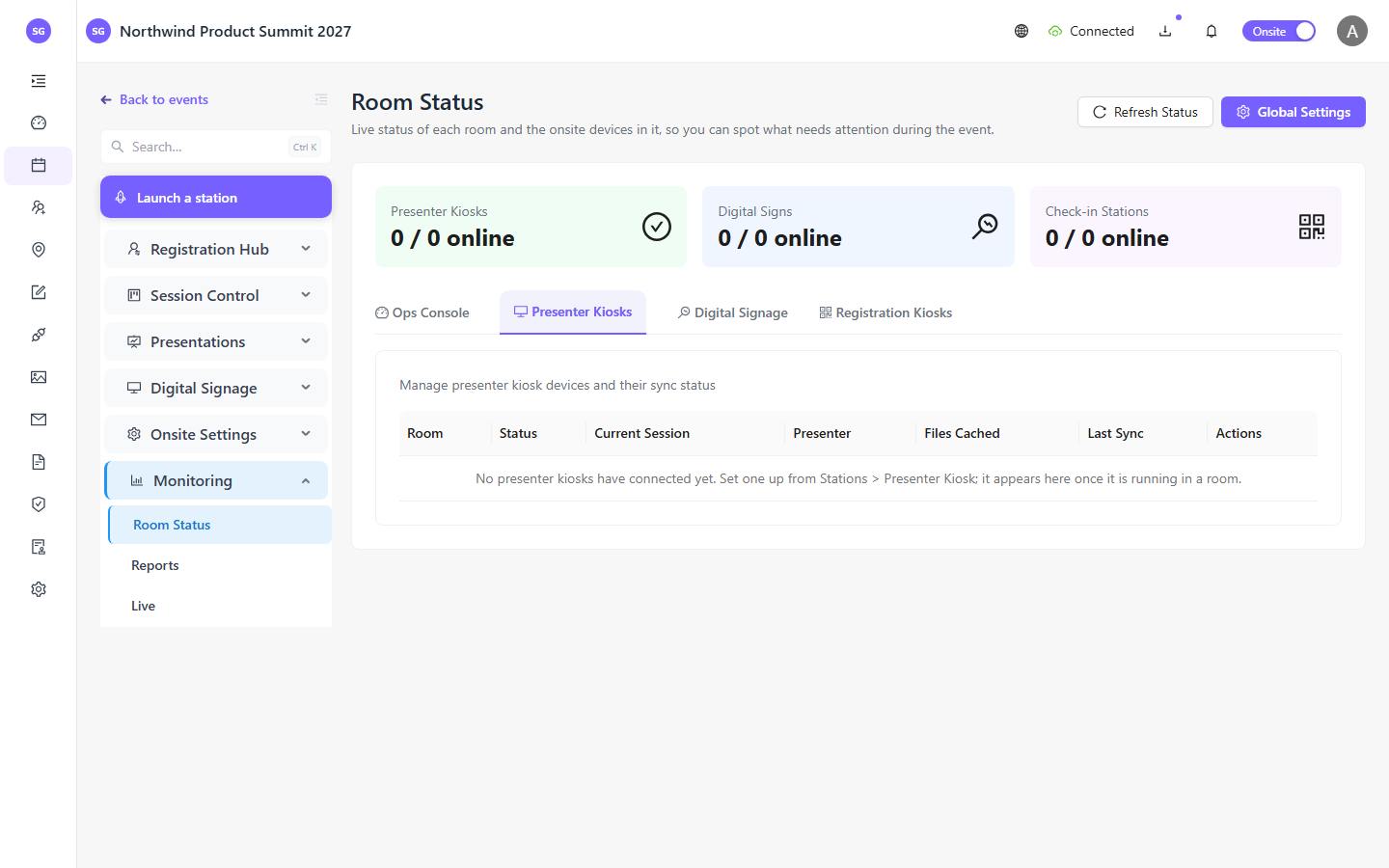
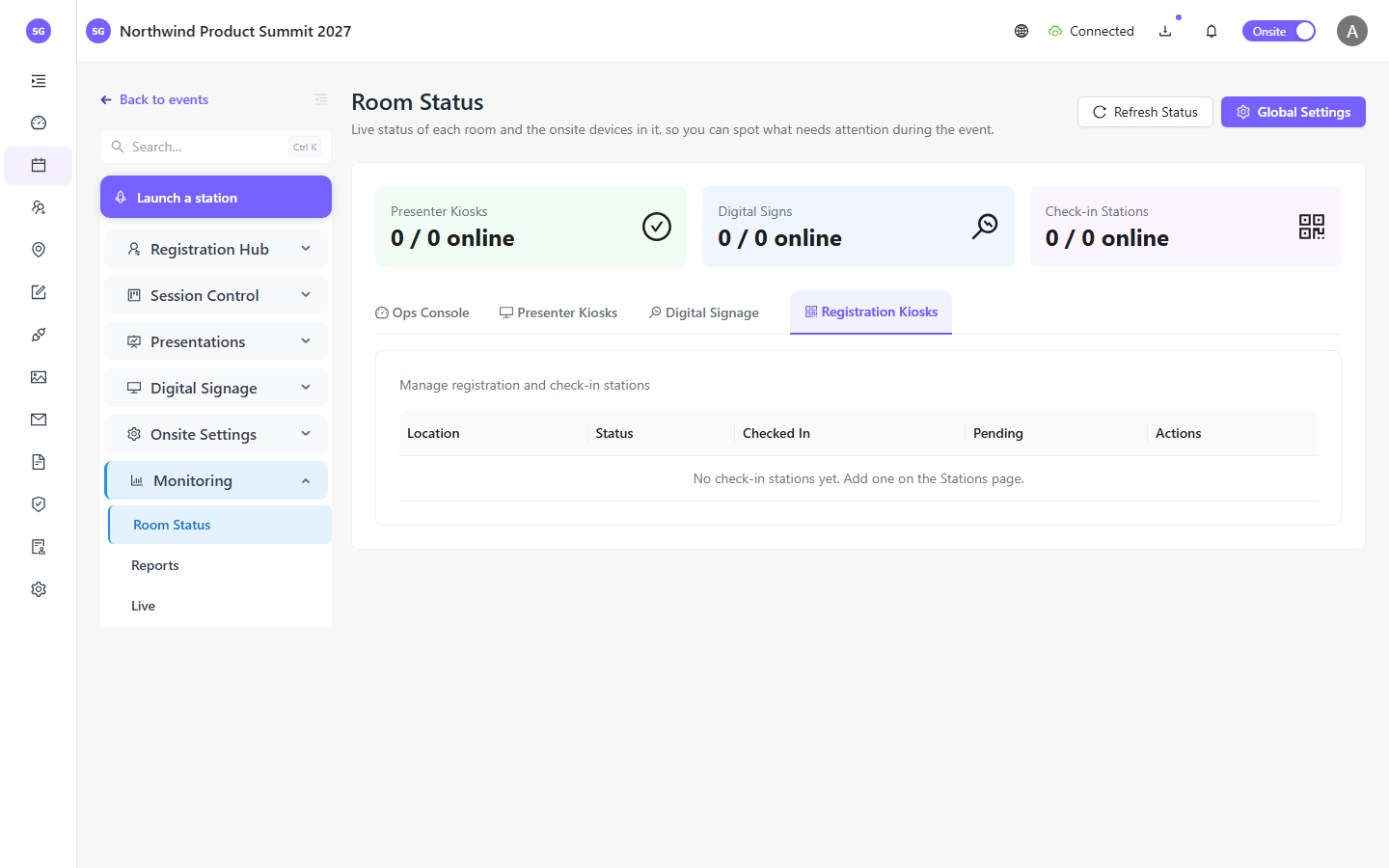
A device appears here once it is running at the event. To set kiosks up, use Global Settings, which opens Stations; see Kiosks and stations. To troubleshoot one device, open Onsite Settings > Diagnostics on that device.
Note: The old organizer Meeting Room page was removed; links to it open the Registration Dashboard. Presenter kiosks are set up under Onsite Settings > Presenter Kiosk and launched from Stations. The empty Presenter Kiosks tab still says "Set one up from Kiosks > Speaker Kiosk"; use Onsite Settings > Presenter Kiosk instead.
Troubleshooting
| You see | Why | Fix |
|---|---|---|
| A room says No kiosk | No presenter kiosk is running in it | Launch a Presenter Kiosk for that room from Stations |
| File Sync is below All Rooms | A kiosk is still downloading, or a file is missing | Check Presentations > Readiness, then the kiosk's Diagnostics |
| A tile is red | The kiosk is offline | Check the device's power and network; it catches up when it reconnects |
| Help Needed is above 0 | Someone asked for help from a kiosk | Click Acknowledge on the request (the room sees it), send someone, then click Resolve |