Your event dashboard: receipt, badge, agenda and more
Open an event you are registered for to download your receipt, badge and certificate, see the agenda, and find the floor plan, surveys and your travel details.
Each event you are registered for has its own dashboard, in the event's colors, with the event's name in the bar at the top. Open it from My events by clicking the event's name (see Sign in and find your events).
The event card
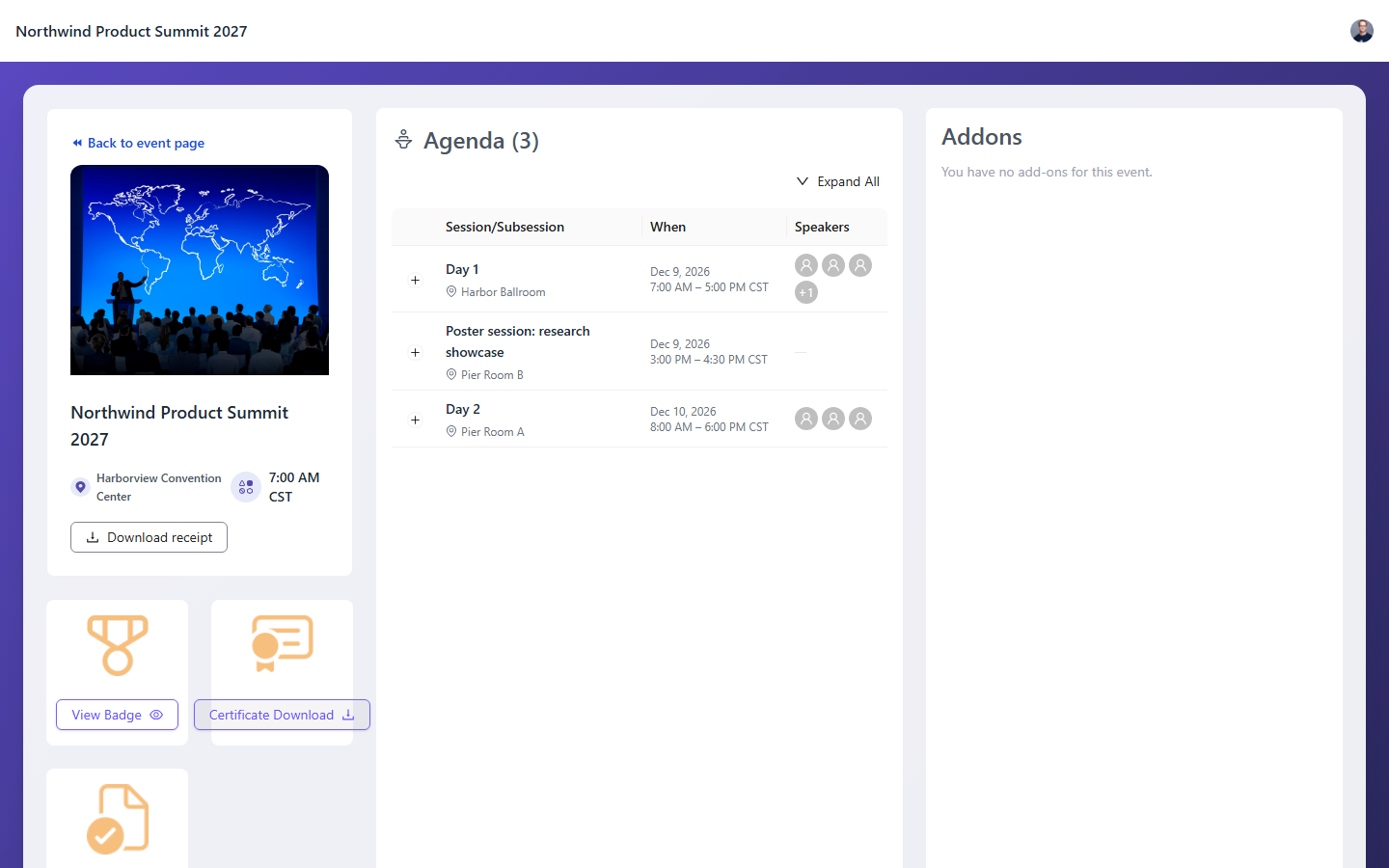
On the left are the event's name, venue and start time, and:
- Download receipt: the receipt for your registration, for your expense report.
- Back to event page: the event's public page.
Below the card:
- View Badge shows your badge with its QR code. Show it at check-in.
- Certificate Download gets your attendance certificate once the organizer issues it, usually after the event.
- Event File Download gets the files the organizer shares with attendees.
Note: View Badge currently fails for attendees with "We could not create your badge". If you need your badge before the event, ask the organizer.
The agenda
Agenda lists the event's days and sessions with the room, day, start and end time and speakers. Click + on a day to see the sessions inside it.
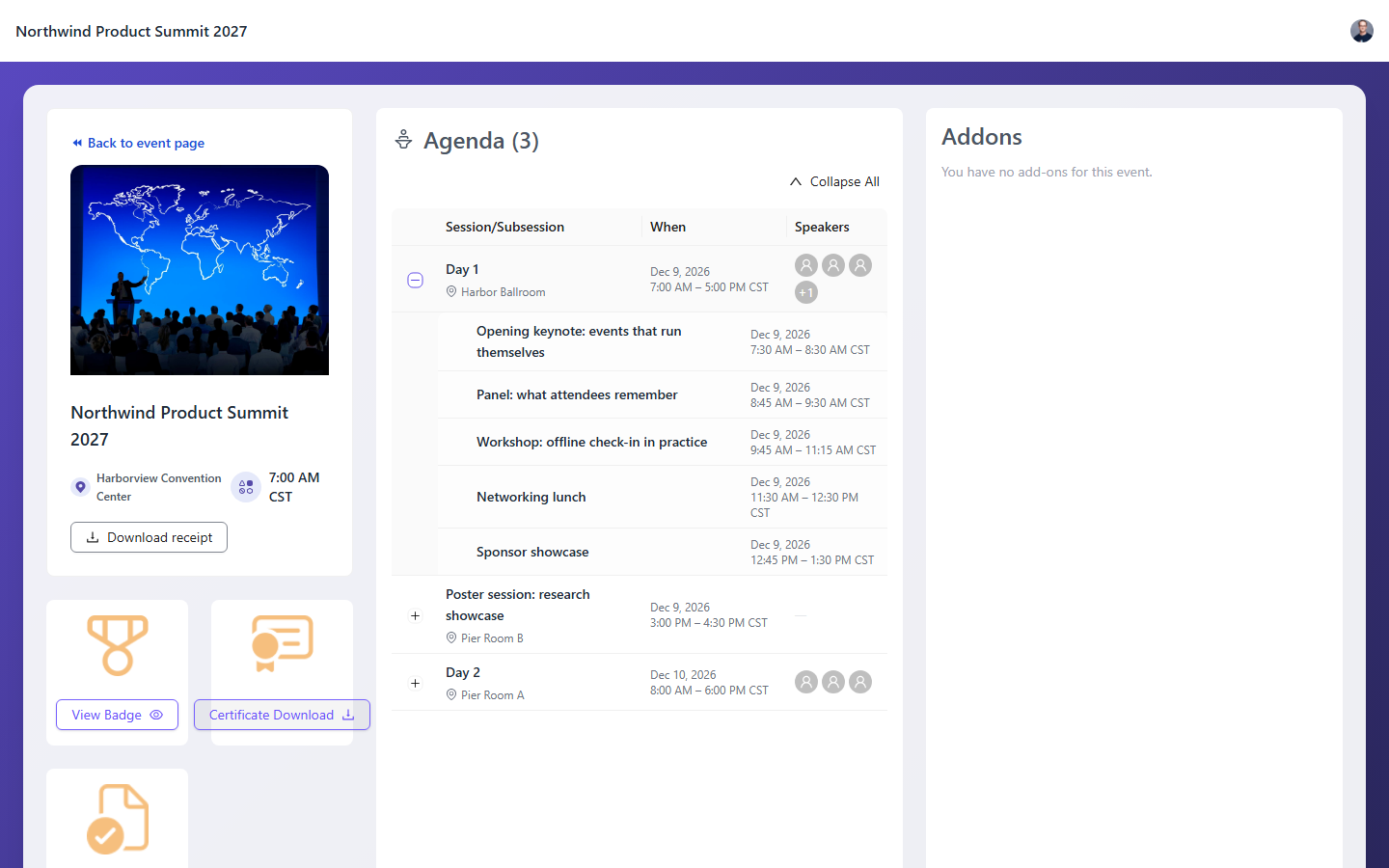
The times in the agenda are shown in your device's time zone, while the event card shows the event's own time zone (for example "7:00 AM CST"). If you are travelling, check which one you are reading.
Addons, on the right, lists the add-ons you bought with your registration, with their room, price and start time.
More for this event
Under the agenda, More for this event links to the event's Floor plan (find exhibitors and save the booths you want to visit), My housing (your hotel booking and roommate requests), Surveys (feedback on the event and the sessions you attended) and Blocked people (who you have blocked at this event, and unblocking them), when the organizer has turned them on.

Further down is Travel: your travel profile, visa letter and trip details. See Travel, visa letter and housing.
On a phone
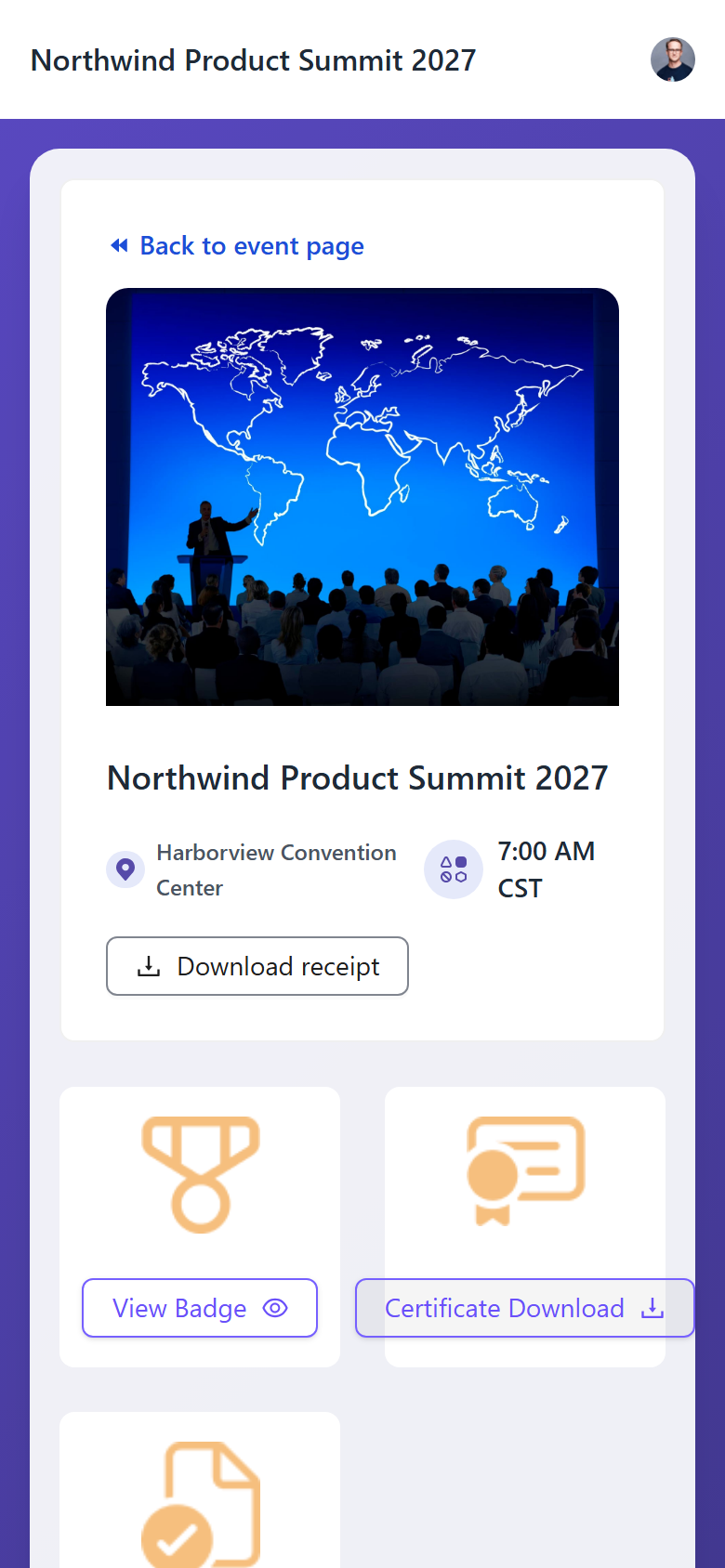
On a phone the cards stack: the event card first, then the badge and file cards, then the agenda.