Sign in and find your events
Sign in to the organizer's site with your email and password or a sign-in link, and open any event you are registered for from My events.
When you register for an event, you get an account with the organizer that runs it. Sign in to see every event you are registered for and to open each event's dashboard (your badge, receipt, agenda and travel details).
Sign in
Open the organizer's sign-in page; the link is in your registration confirmation email.
With your email and password:
- Enter your Email and Password.
- Click Login.
Without a password: click Sign in with a magic link instead, enter your email and open the link the email brings. It signs you in on that device.
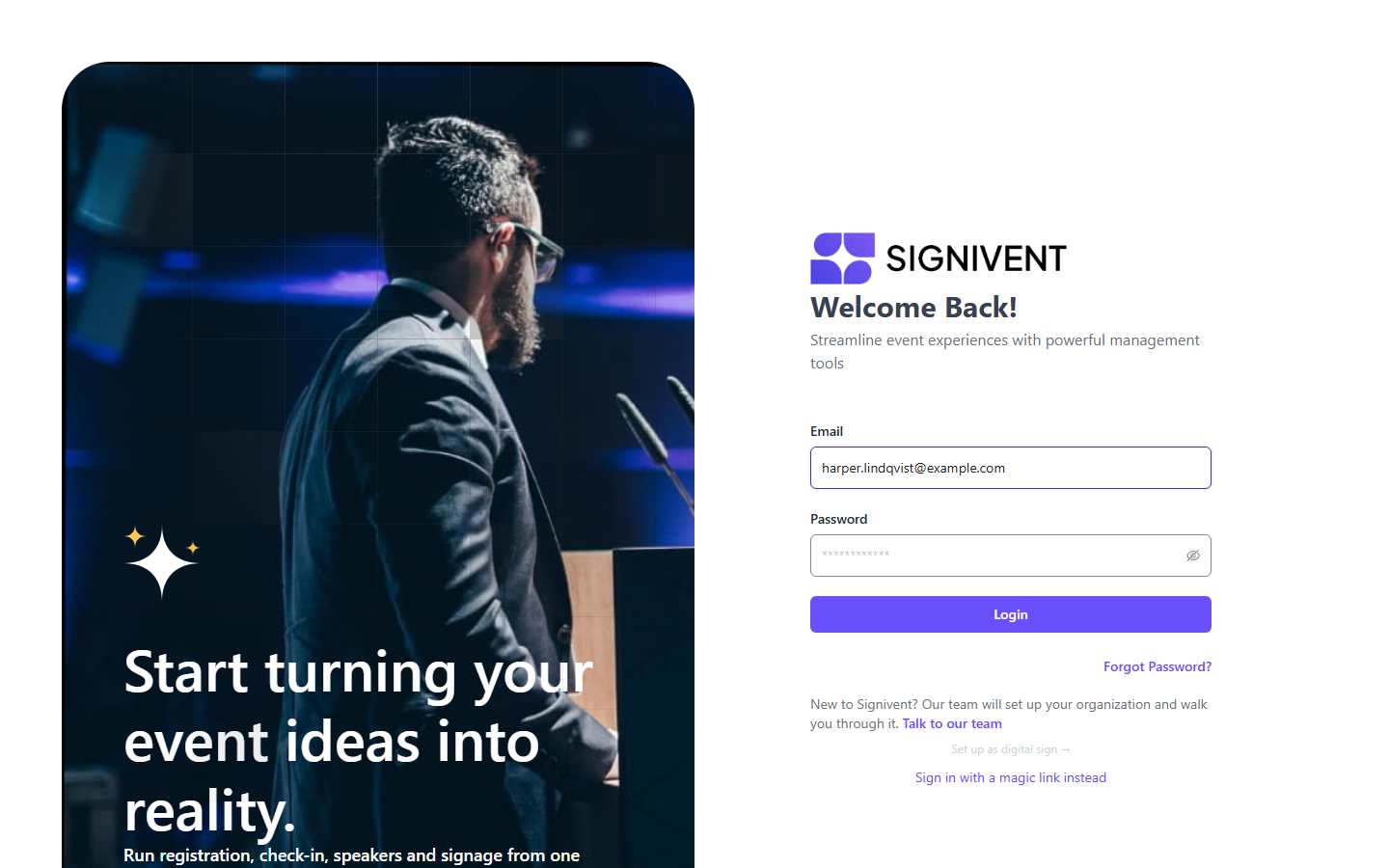
Forgot your password? Click Forgot Password? and follow the email. If the page says to verify your email first, use the sign-in link instead, or open the verification email the organizer sent when you registered.
The sign-in page is shared with the organizer's staff, so it also mentions setting up an organization and digital signs. As an attendee you only need your email and password or a sign-in link.
My events
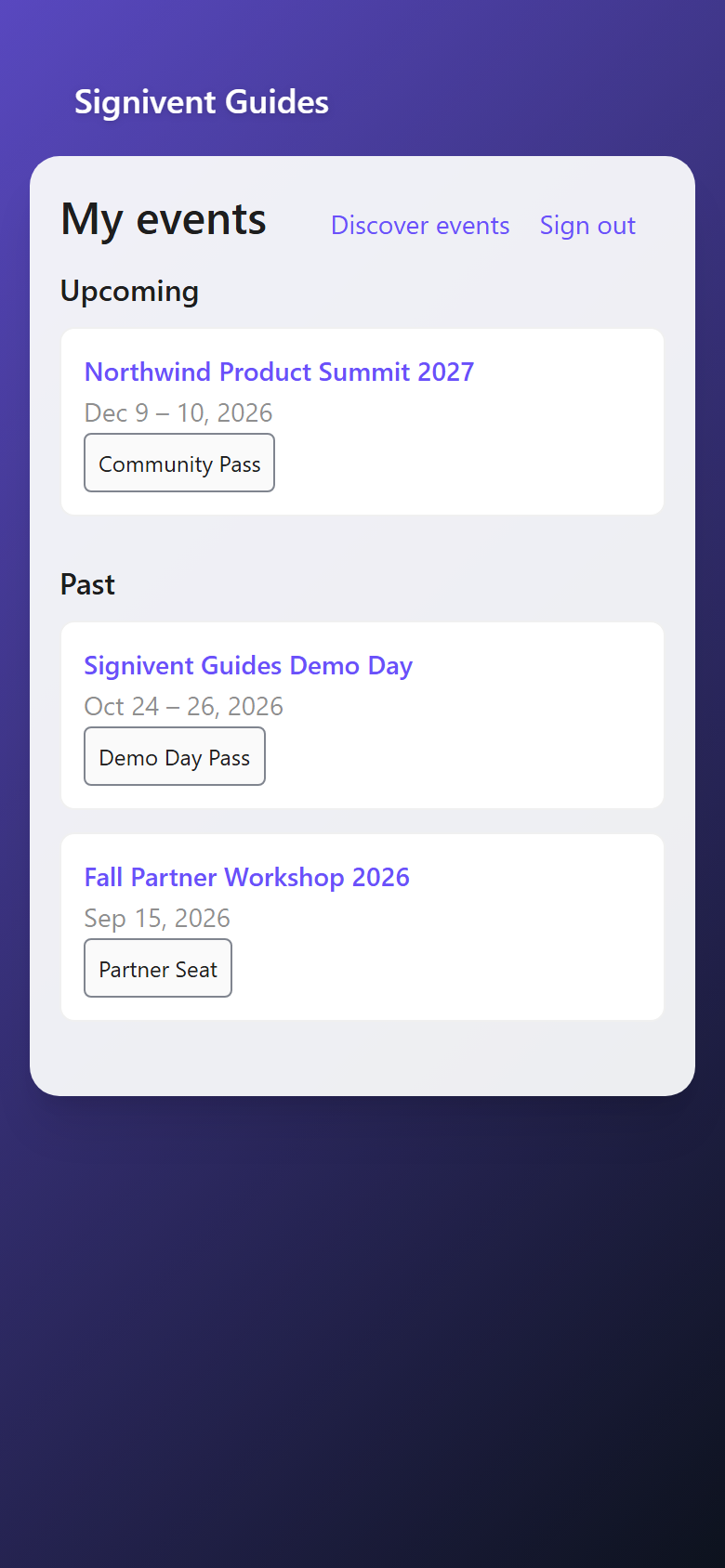
After you sign in you land on My events, with the organizer's name (and logo, if it has one) at the top. Your registrations are grouped into Live now, Upcoming and Past, each with the event's dates and your ticket.
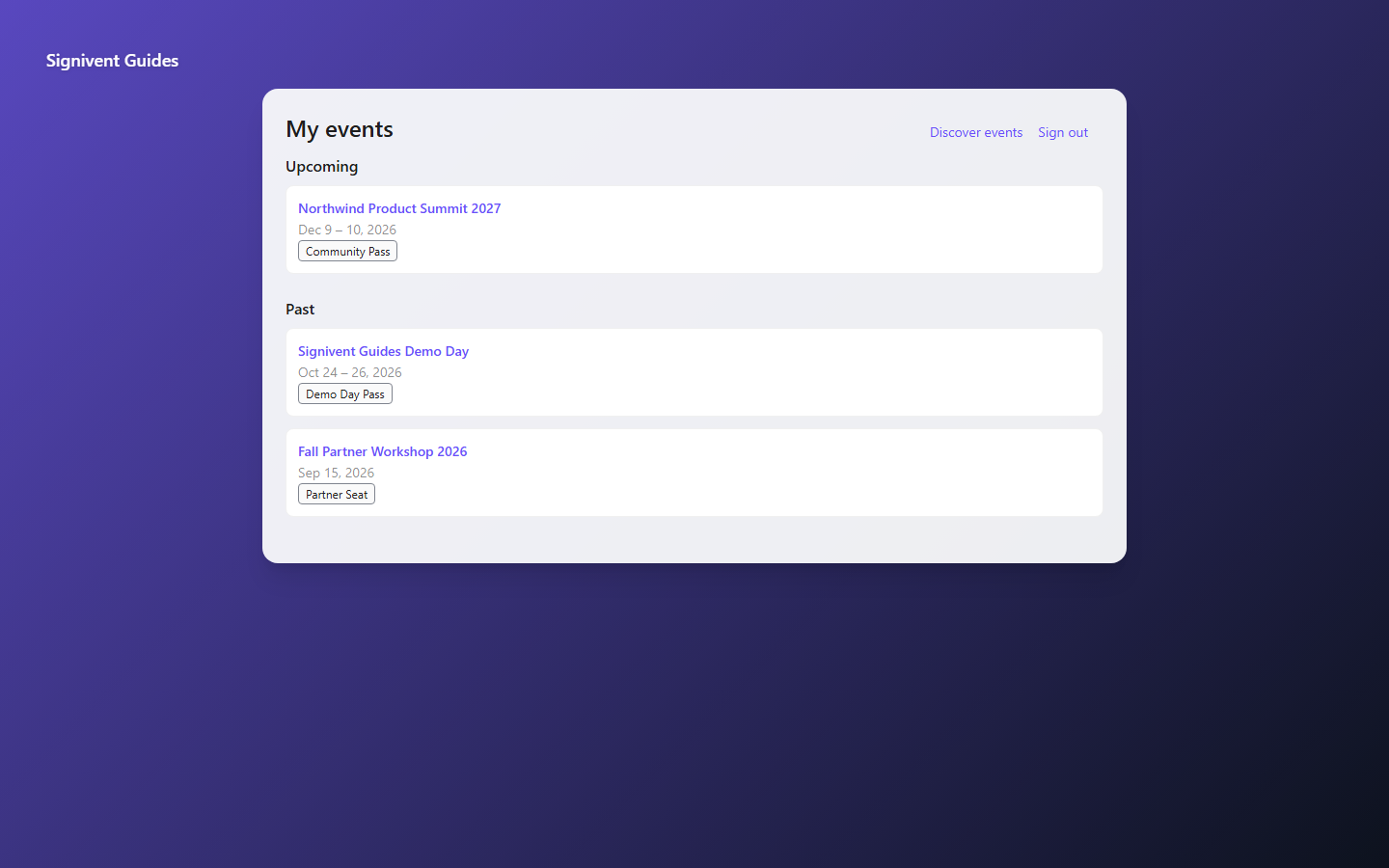
- Click an event's name to open its dashboard (see Your event dashboard).
- Discover events opens a page of events you can browse.
- Sign out signs you out on this device. Do this on a shared computer.
If you registered with a different email address, those events do not show here: sign in with that address instead.
If you are speaking at an event, your sessions are in the speaker portal, not here; see The speaker portal.