Devices and diagnostics
Get the desktop app, find the This device page for storage, offline data and sync on a desktop or mobile device, and know who can open Staff Diagnostics.
Device settings belong to the Signivent desktop and mobile apps: they show what is stored on the computer or phone you are holding, its offline data and how it syncs. In a web browser the page only says where to find them. Staff Diagnostics is a support tool for Signivent staff.
Get the desktop app
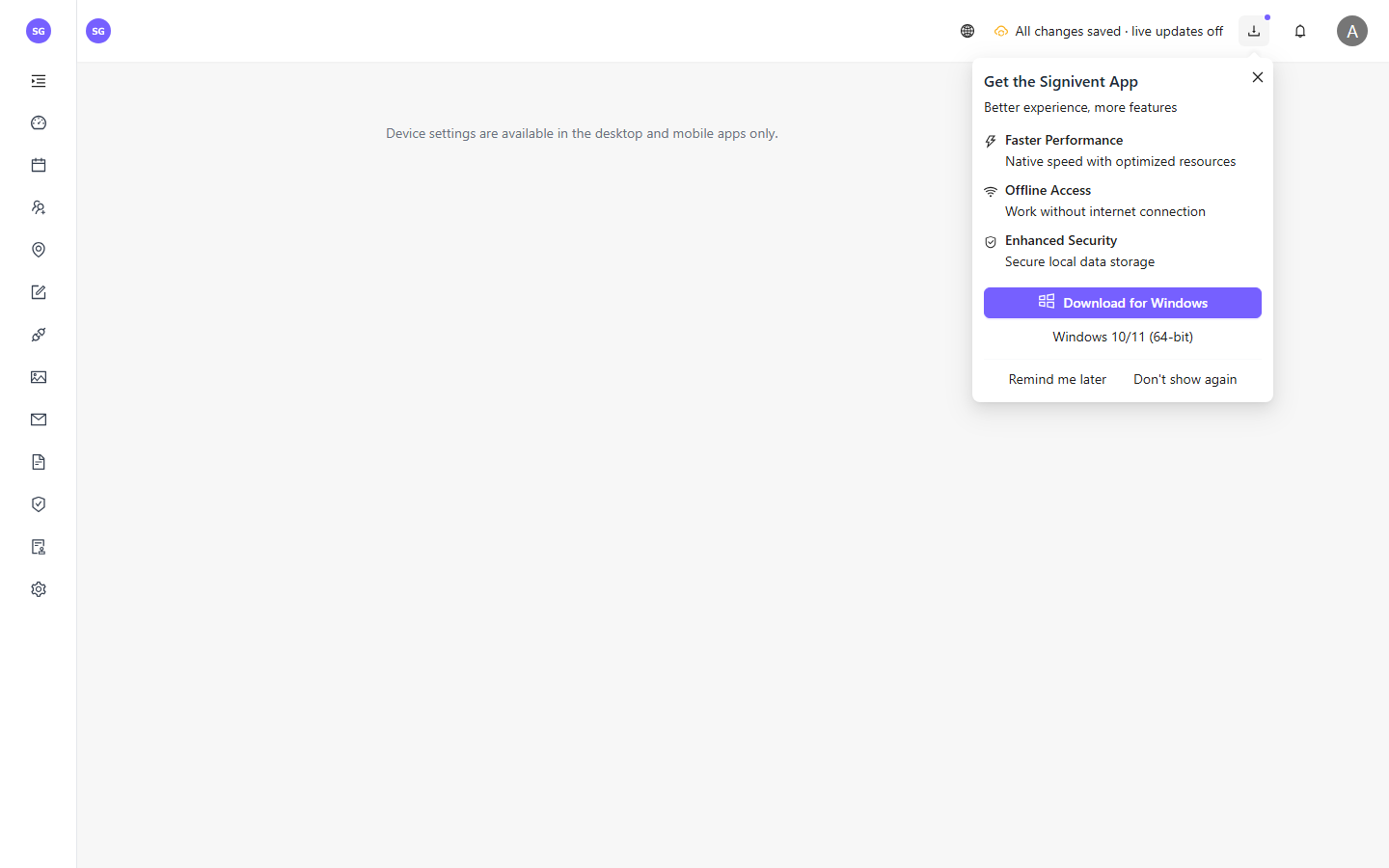
- Click the download icon in the top bar.
- The Get the Signivent App panel lists what the app adds: faster performance, offline access and secure local storage.
- Click Download for Windows (Windows 10 or 11, 64-bit). Remind me later hides the panel for now; Don't show again hides it for good.
Sign in to the app with the same Client ID, email and password you use on the web.
The This device page
In the desktop and mobile apps, This device (in the profile menu, or at /dashboard/device) has sections for Device (including the app version), Storage, Offline data, Sharing (P2P) between nearby devices, Sync, Station and Diagnostics, each with Refresh.
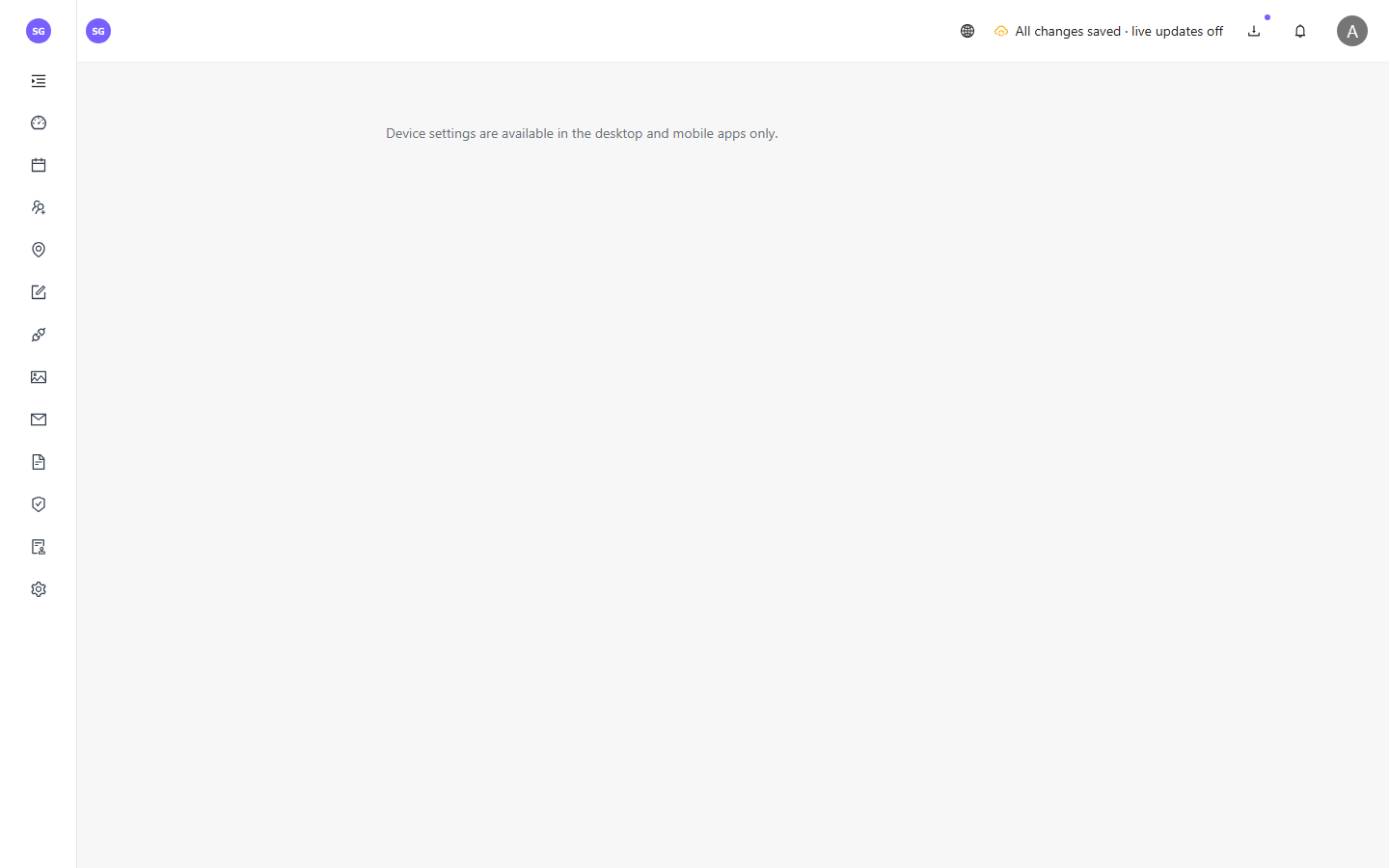
In a web browser the same address shows a notice instead, because a browser tab has no device storage to manage.
Staff Diagnostics
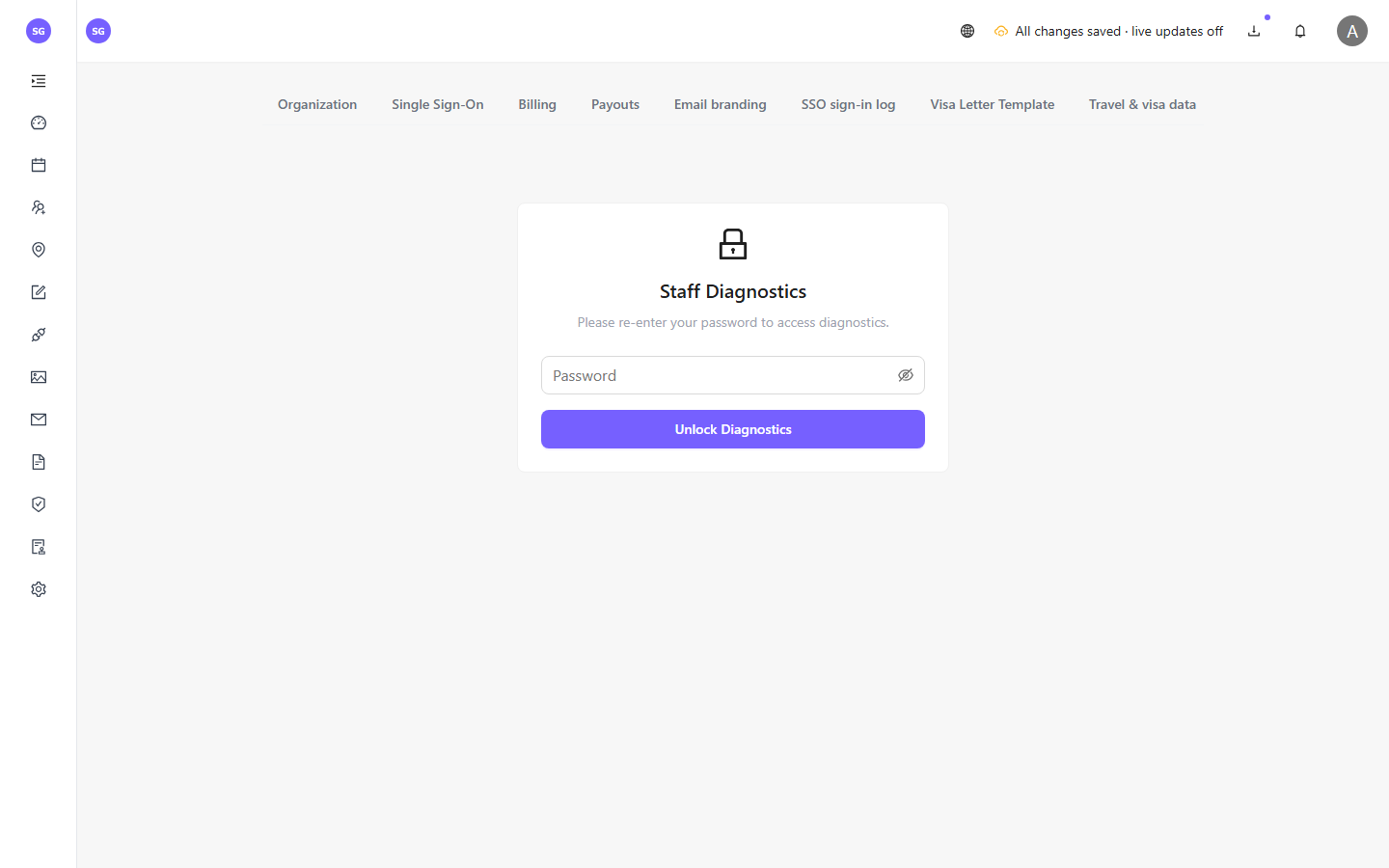
Staff Diagnostics (/dashboard/settings/diagnostics) is for Signivent support staff. It asks for your password again; for anyone who is not staff it then says Not staff and stays locked. If you need diagnostics for a problem, contact support, and include the reference shown in the error message (it starts with DIAG-).
Troubleshooting
| You see | Why | Fix |
|---|---|---|
| "Device settings are available in the desktop and mobile apps only" | You are in a web browser | Install the app, or use a browser for everything else |
| Not staff on Staff Diagnostics | That page is for support staff | Contact support with the DIAG reference from the error |
| The download panel keeps appearing | It reminds you until you choose | Click Don't show again |